
How to Build LinkedIn Audiences from Technographics Data
Learn how to target companies using specific technologies in LinkedIn Campaign Manager by building a company list from technographic data and exporting it in LinkedIn Audiences CSV format.
LinkedIn Campaign Manager lets you upload company lists for account targeting, but the hard part is building a useful account list in the first place. If your best buyers are companies using a specific technology, TheirStack can turn that technographic signal into a LinkedIn audience segment.
This workflow is useful when you want to reach companies using tools such as Salesforce, HubSpot, Snowflake, Databricks, Kubernetes, Workday, Greenhouse, or any other technology that defines your ICP.
What you need
- A TheirStack account with access to Company Search.
- A clear technology signal, such as "companies using Salesforce" or "companies using Kubernetes".
- Access to LinkedIn Campaign Manager.
Step 1: Search for companies by technology
Open Company Search and add a technology filter. You can search for one technology or combine several technologies depending on the audience you want to build.
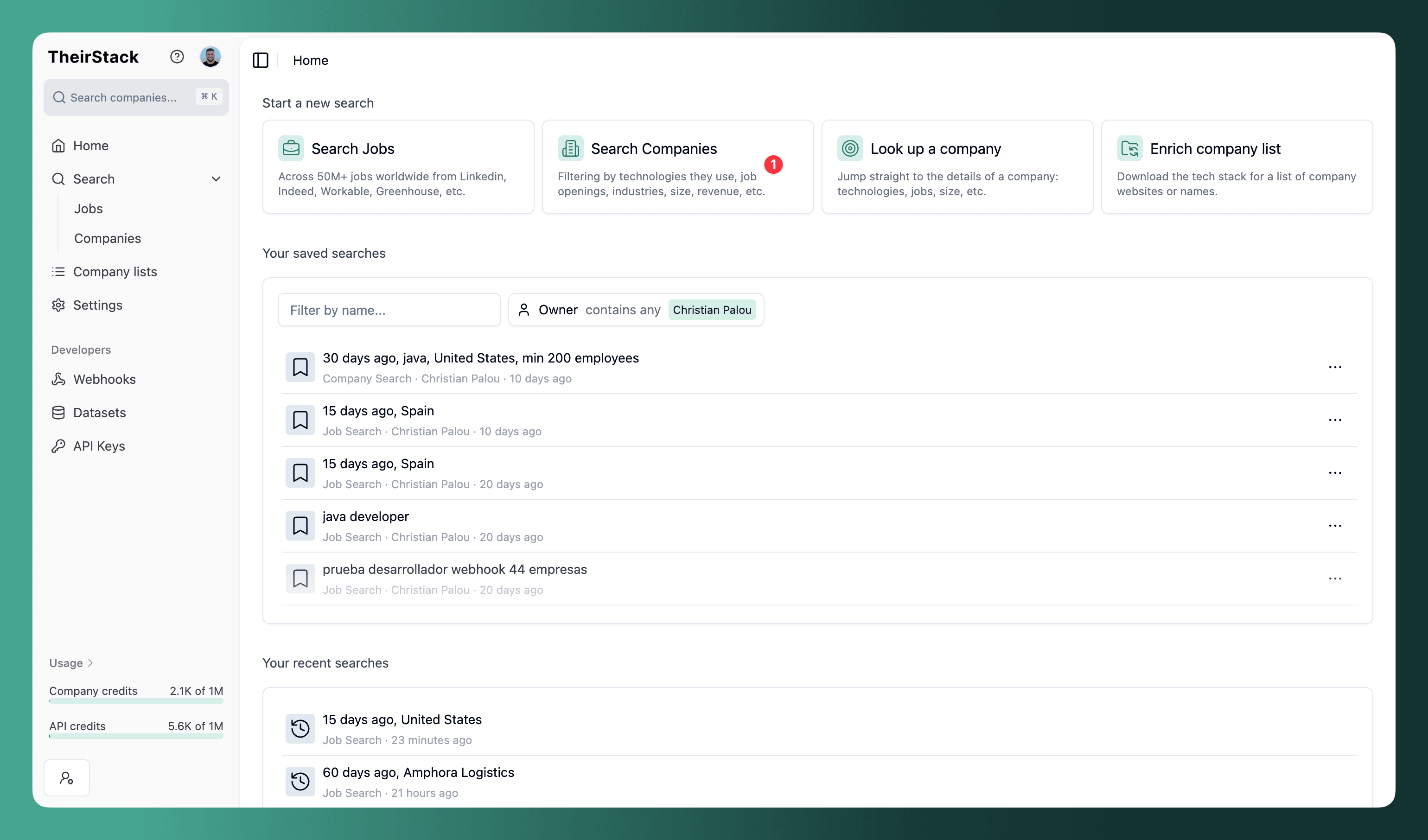
Examples:
- Companies using Salesforce and Marketo.
- Companies using Snowflake or Databricks.
- Companies using Kubernetes and hiring platform engineers.
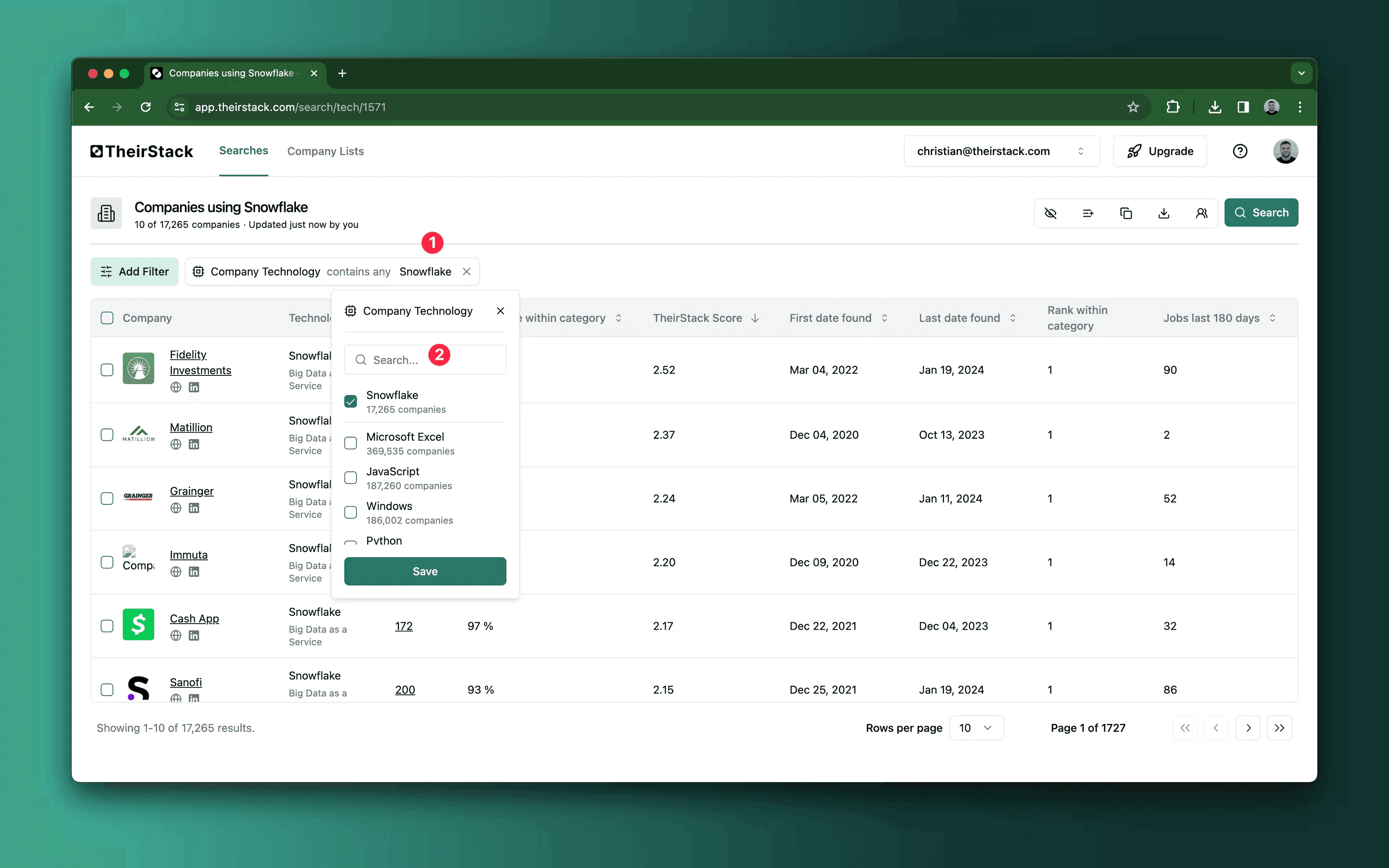
Use company filters to narrow the audience before exporting. Common filters include employee count, HQ country, industry, company type, revenue, funding stage, and whether the company is a direct employer.
Step 2: Review the account list
Before exporting, check that the results match the campaign you want to run. For LinkedIn Campaign Manager, quality usually matters more than raw list size.
Good checks:
- Remove recruiting agencies if you only want end customers.
- Filter to the countries where your sales team can sell.
- Use employee count ranges to avoid accounts that are too small or too large.
- Check the technology confidence and job evidence when the campaign depends on a specific tool.
Step 3: Export in LinkedIn Audiences CSV format
Click Export and choose LinkedIn Audiences CSV.
TheirStack generates a CSV with the columns LinkedIn expects for company account lists:
companyname,companywebsite,companyemaildomain,linkedincompanypageurl,stocksymbol,industry,city,state,companycountry,zipcodeLinkedIn rejects account list uploads when the CSV contains extra columns or unexpected column names. The LinkedIn Audiences CSV format is intentionally different from the standard TheirStack CSV export: it keeps only the account-matching fields LinkedIn accepts.
Step 4: Upload the CSV to LinkedIn Campaign Manager
In LinkedIn Campaign Manager, create or update a company list audience and upload the exported CSV.
LinkedIn may take time to process and match the accounts. Match rates depend on the fields available for each company. Company domain, company website, and LinkedIn company page URL are usually the most useful identifiers.
Campaign ideas
- Run competitor displacement campaigns against companies using a competing product.
- Promote integration content to accounts using partner technologies.
- Build ABM audiences for companies with a specific data, security, CRM, ATS, or cloud stack.
- Exclude existing customers from acquisition campaigns by uploading a suppression list separately.
Related guide
For a broader walkthrough of the export format, see Export LinkedIn Audiences from TheirStack.
How is this guide?
Last updated on
How to Build LinkedIn Audiences from Hiring Intent
Learn how to target companies hiring for specific roles by exporting a LinkedIn company audience from TheirStack hiring intent data.
Monitoring open jobs from current and past customers
How to know which companies from a given list are actively hiring. This can help SaaS companies detect new needs of their current customers for potential upsells, and also recruitment companies to find old customers that are hiring again and could be easier to sell to than if they were completely new customers.