
How to Build LinkedIn Audiences from Hiring Intent
Learn how to target companies hiring for specific roles by exporting a LinkedIn company audience from TheirStack hiring intent data.
Hiring activity is one of the clearest public signals that a company has a current business priority. A company hiring data engineers may be scaling its data platform. A company hiring SDRs may be expanding go-to-market. A company hiring security engineers may be investing in compliance, infrastructure, or risk reduction.
TheirStack lets you turn those hiring signals into LinkedIn Audiences for account targeting.
Why use hiring intent for LinkedIn Audiences?
Most LinkedIn advertising targeting starts with static firmographics: industry, company size, seniority, and job function. Hiring intent adds timing.
Instead of targeting every company in a category, you can target companies that are actively hiring for roles connected to the problem you solve.
Step 1: Search for companies by hiring signal
Open Company Search and use job-related filters to define the hiring intent.
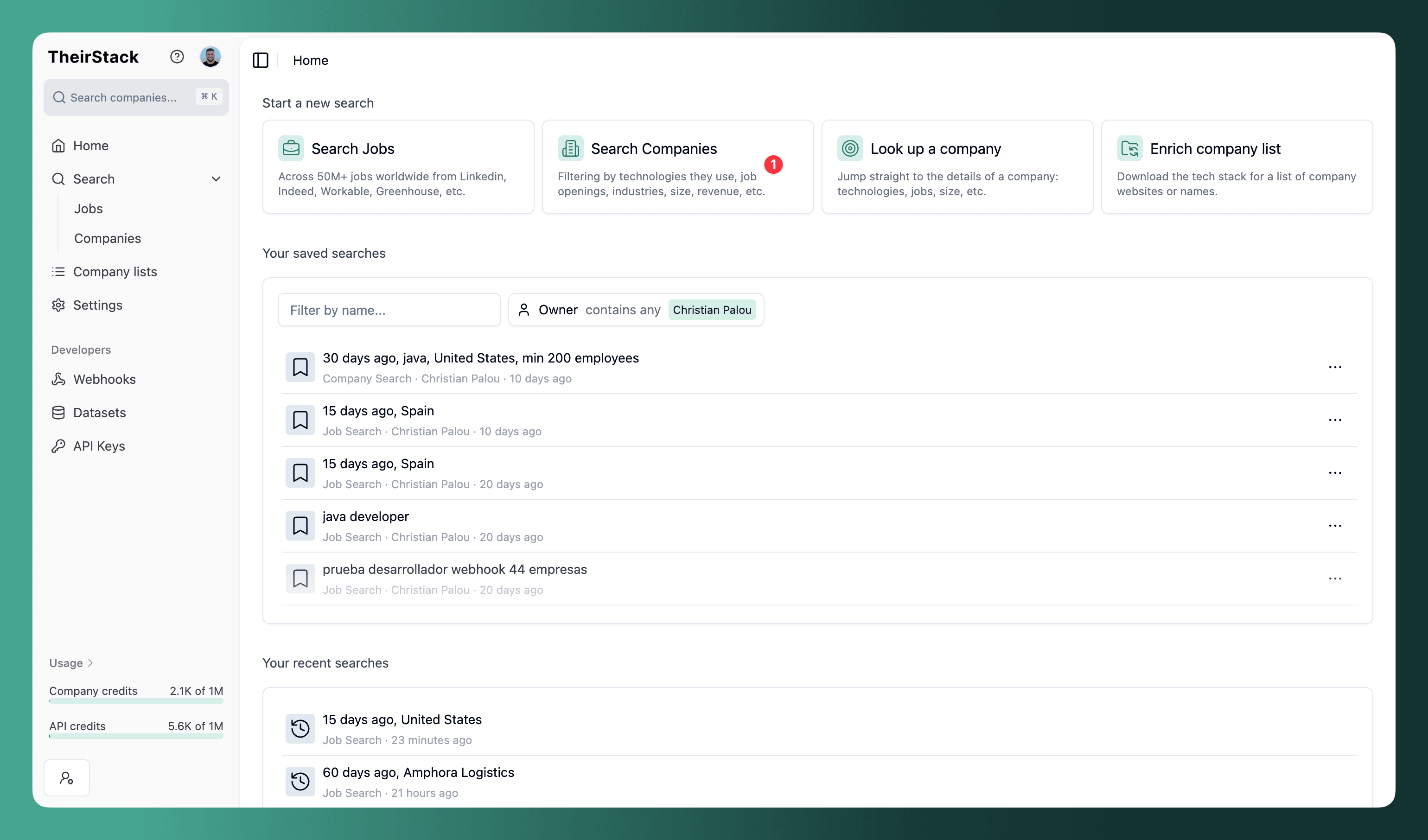
Useful filters include:
- Job title keywords.
- Job description keywords.
- Job posting date.
- Hiring volume.
- Location.
- Company type, to exclude recruiting agencies when needed.
Example searches:
- US companies hiring data engineers in the last 30 days
- Companies hiring sales operations roles with at least $10M in revenue
- Companies using Kubernetes and hiring platform engineers
- Companies with job descriptions mentioning SOC 2 or compliance
Use company filters while searching to keep the audience close to your ICP before exporting. Country, employee count, industry, company type, technologies used, and revenue filters can all help turn a broad hiring signal into a focused account list.
Step 2: Export in LinkedIn Audiences CSV format
Click Export and choose LinkedIn Audiences CSV.
TheirStack creates a CSV with the exact account list columns LinkedIn expects:
companyname,companywebsite,companyemaildomain,linkedincompanypageurl,stocksymbol,industry,city,state,companycountry,zipcodeThe standard export includes richer TheirStack fields for analysis. The LinkedIn Audiences export is narrower on purpose: it removes extra columns so the file can be uploaded to Campaign Manager.
Step 3: Upload the account list to LinkedIn
Upload the CSV as a company list audience in LinkedIn Campaign Manager. After LinkedIn processes the file, use the matched audience in a campaign.
Good campaign angles:
- "Hiring data engineers?" for companies with active data hiring.
- "Scaling your SDR team?" for companies hiring sales development roles.
- "Opening many engineering roles?" for companies with fast-growing product or engineering teams.
- "Expanding into a new market?" for companies hiring in a specific country or city.
Related guide
For the shared export workflow, see Export LinkedIn Audiences from TheirStack.
How is this guide?
Last updated on
Use job data for investment research
Add job posting data to your equity research stack as a complementary signal. Anticipate layoffs and hiring freezes, infer product-stage from hiring mix, and read cost-per-hire pressure from repost cadence weeks before any of it shows up in earnings.
How to Build LinkedIn Audiences from Technographics Data
Learn how to target companies using specific technologies in LinkedIn Campaign Manager by building a company list from technographic data and exporting it in LinkedIn Audiences CSV format.