Workspaces have arrived at TheirStack

Pablo Durán
Software Engineer at TheirStack
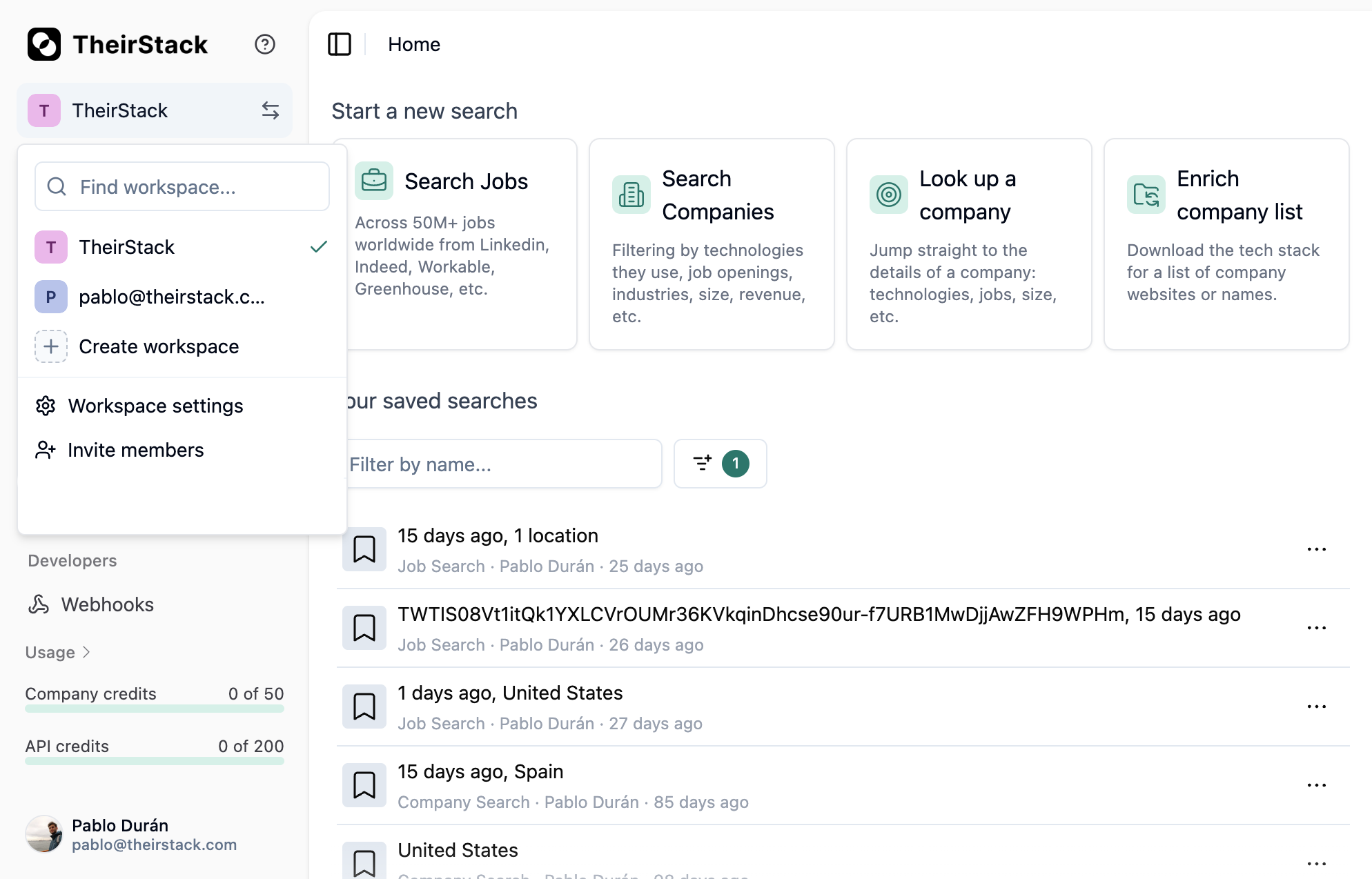
We've added workspaces so you can switch between them, create new ones, and edit their details—all from the sidebar.
Previously, keeping work for different teams or projects separate meant either logging in and out or mixing company lists, saved searches, and settings in a single account.
Now you can switch workspaces in one click from the sidebar. Company lists, saved searches, and settings stay separate per workspace. You can create new workspaces (up to 5 as owner) and edit names and details whenever you need to.
What this means for you:
- Switch without switching accounts — Move between workspaces in one click; no need to log out or lose context.
- Separate spaces for teams or clients — Use one workspace per team or client, or create one just for yourself.
- Full control — Create workspaces, edit names and details, and keep company lists and saved searches scoped to each workspace.
Workspaces are available now in the sidebar. We'll continue to improve how you organize and switch between your work.