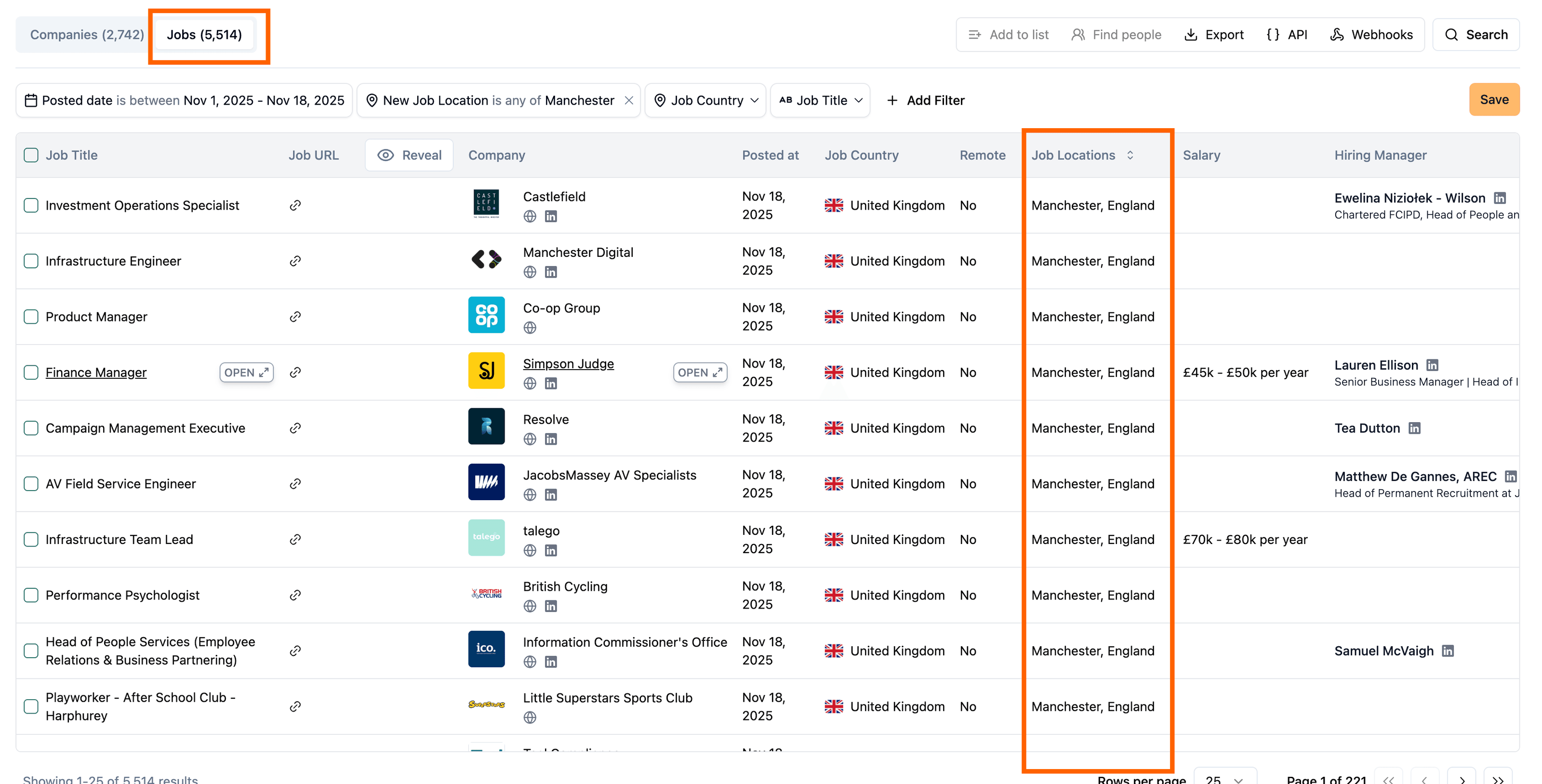
New API keys section and workspace-wide management
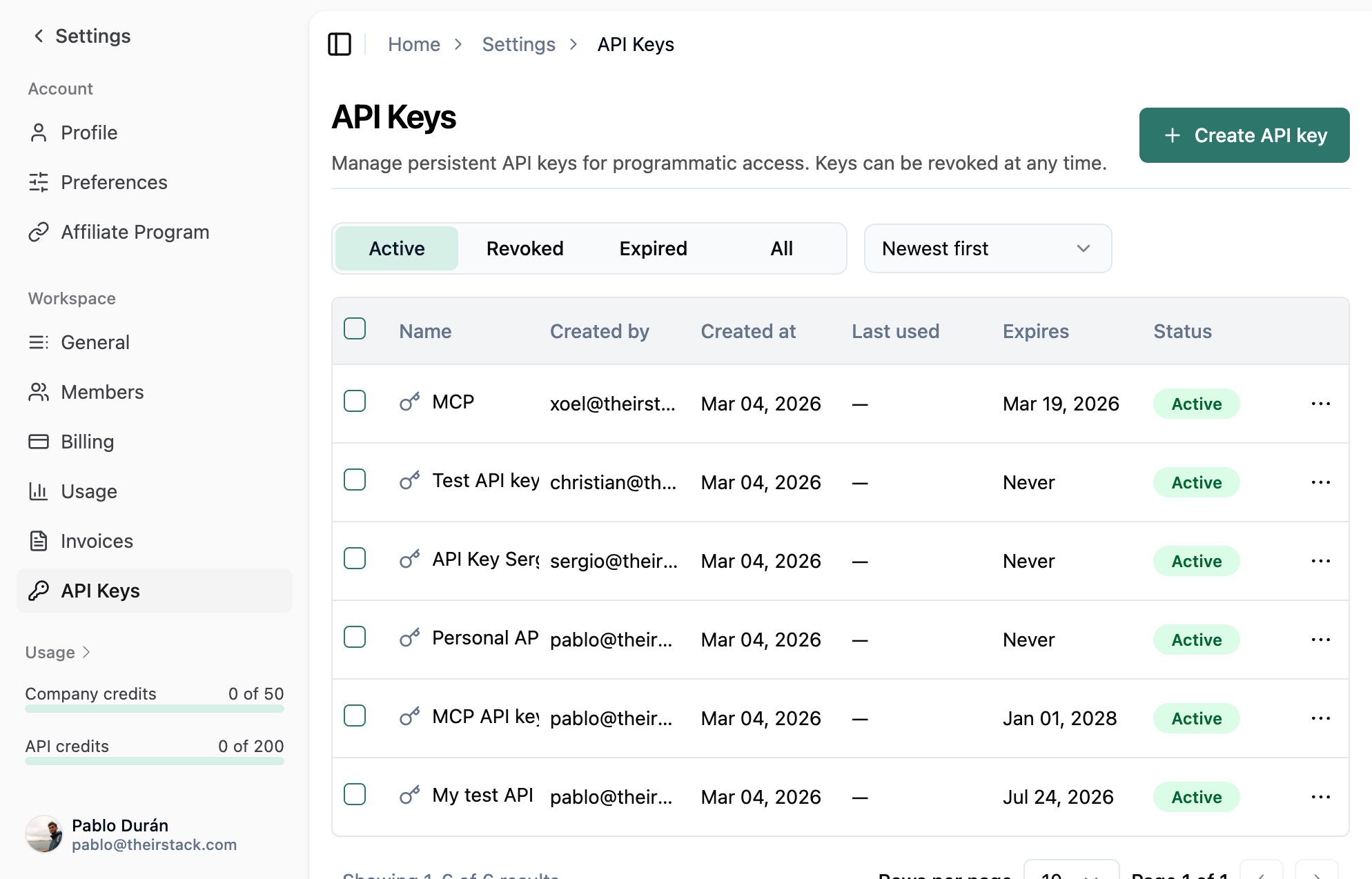
We've added a dedicated API keys section in workspace settings.
Previously, you couldn't set expirations, revoke keys without losing history, or see all workspace keys in one place.
Now you get one screen per workspace with optional expiration when creating a key and revoke when you need to—usage history is preserved.
In practice:
- One place for all keys — See and manage every API key in the workspace from one screen.
- Expiration dates — Create keys that expire on a chosen date for temporary access or safer sharing.
- Revoke instead of delete — Revoke a key when it's compromised or no longer needed; you keep visibility into past usage.
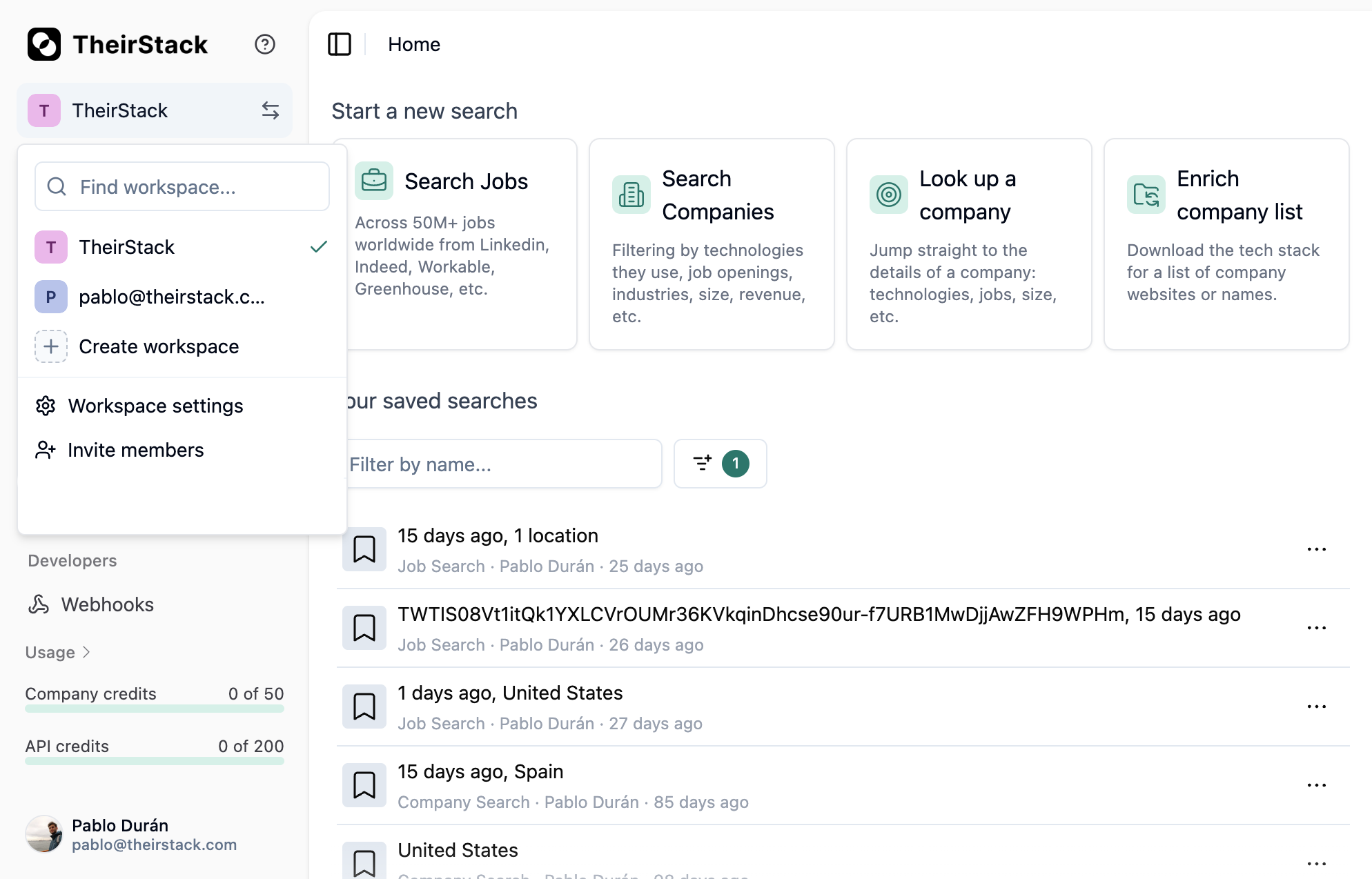
- Workspace-scoped — Keys belong to the workspace, so switching workspaces shows the right set of keys.
The new API keys section is available in your workspace settings. We'll keep improving how you control and audit API access.