New Support Center

Sergio Goyanes Legazpi
Software Engineer at TheirStack
The problem: Submitting feedback or requesting a missing technology required filling out an external form with no way to track your request's status.
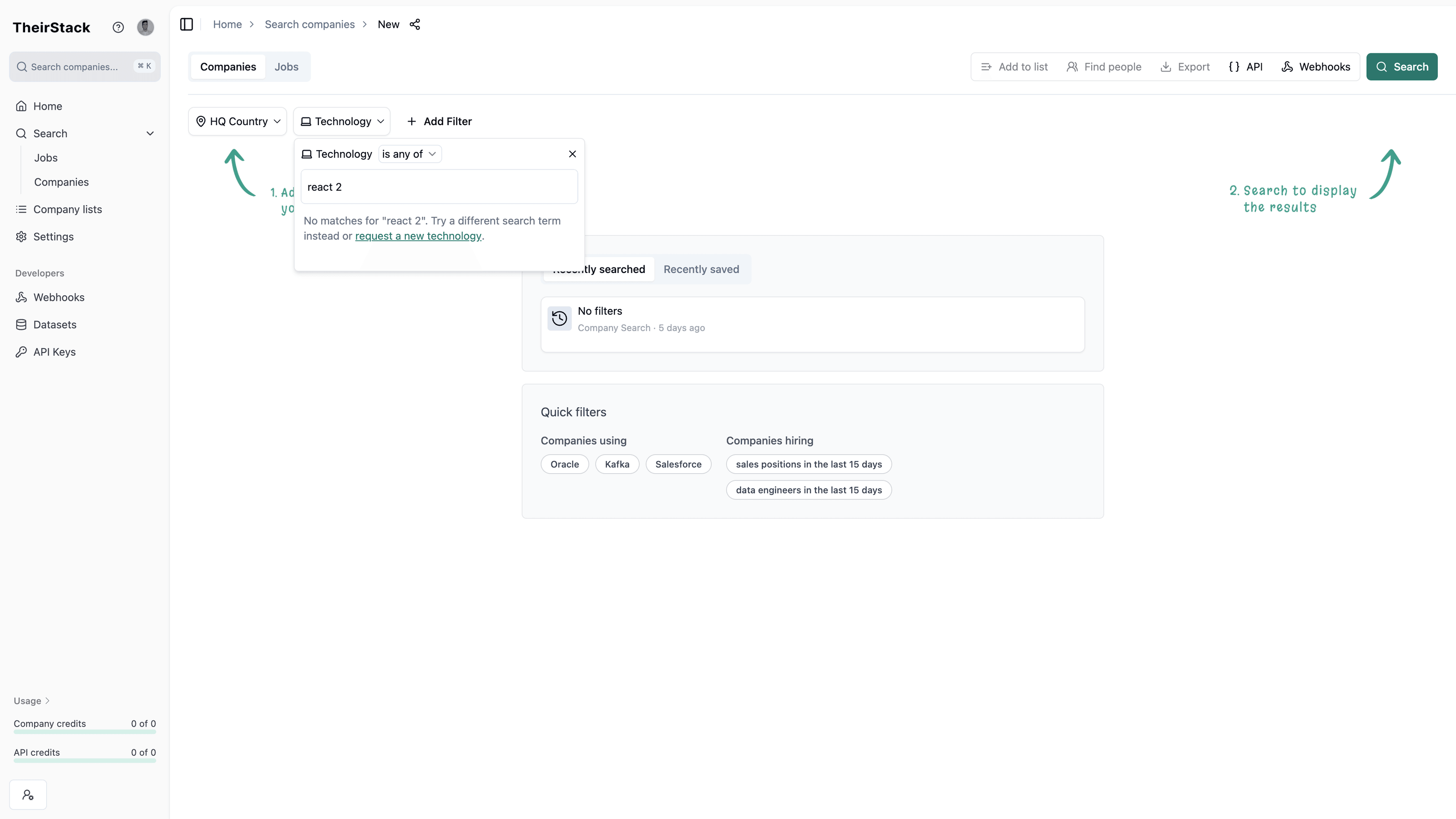
The solution: A new Support Center lets you create and track requests directly inside the app. To get there, click the help icon (?) in the top-left of the sidebar, select "Contact support", and click the "New ticket" button.
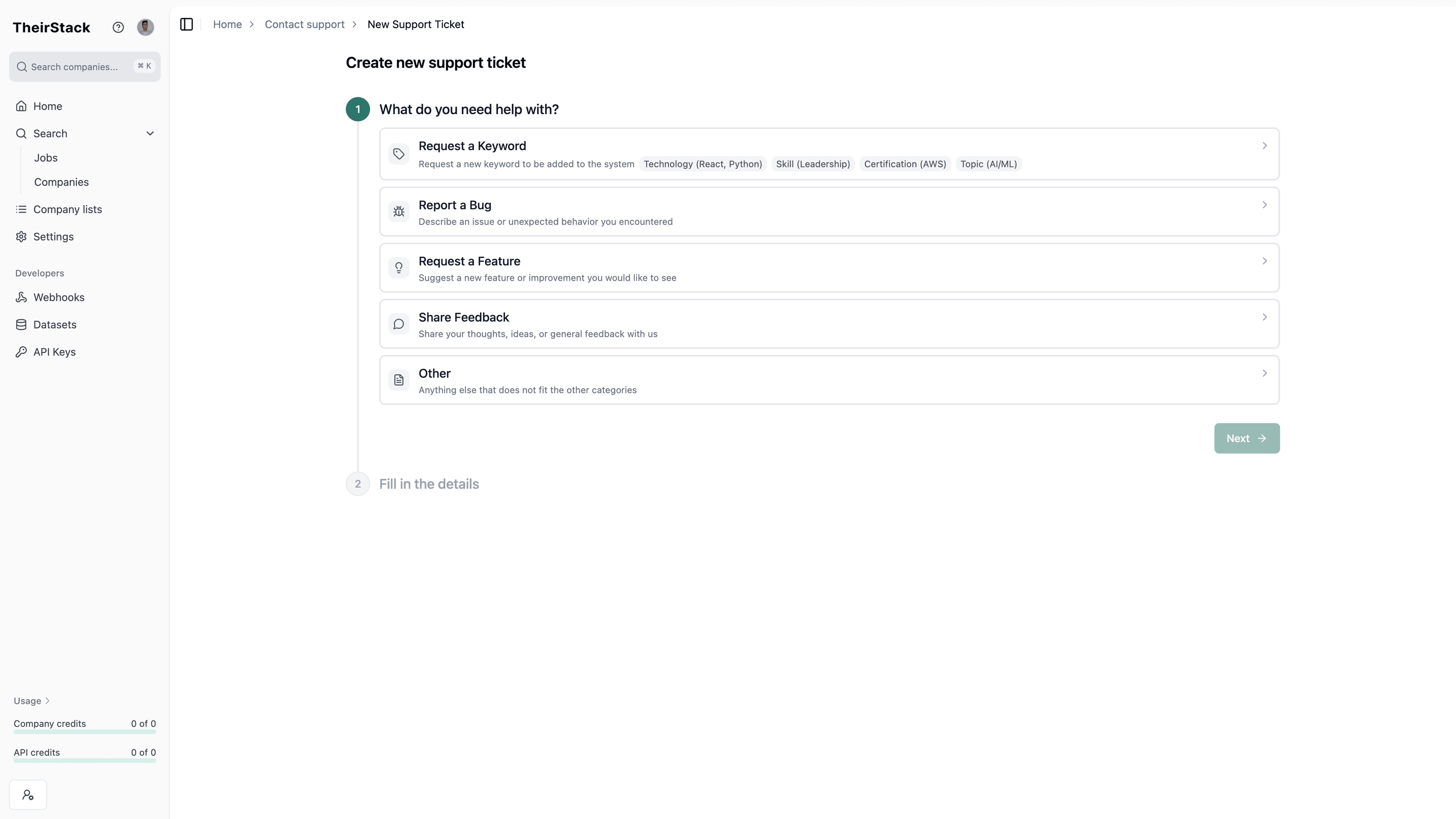
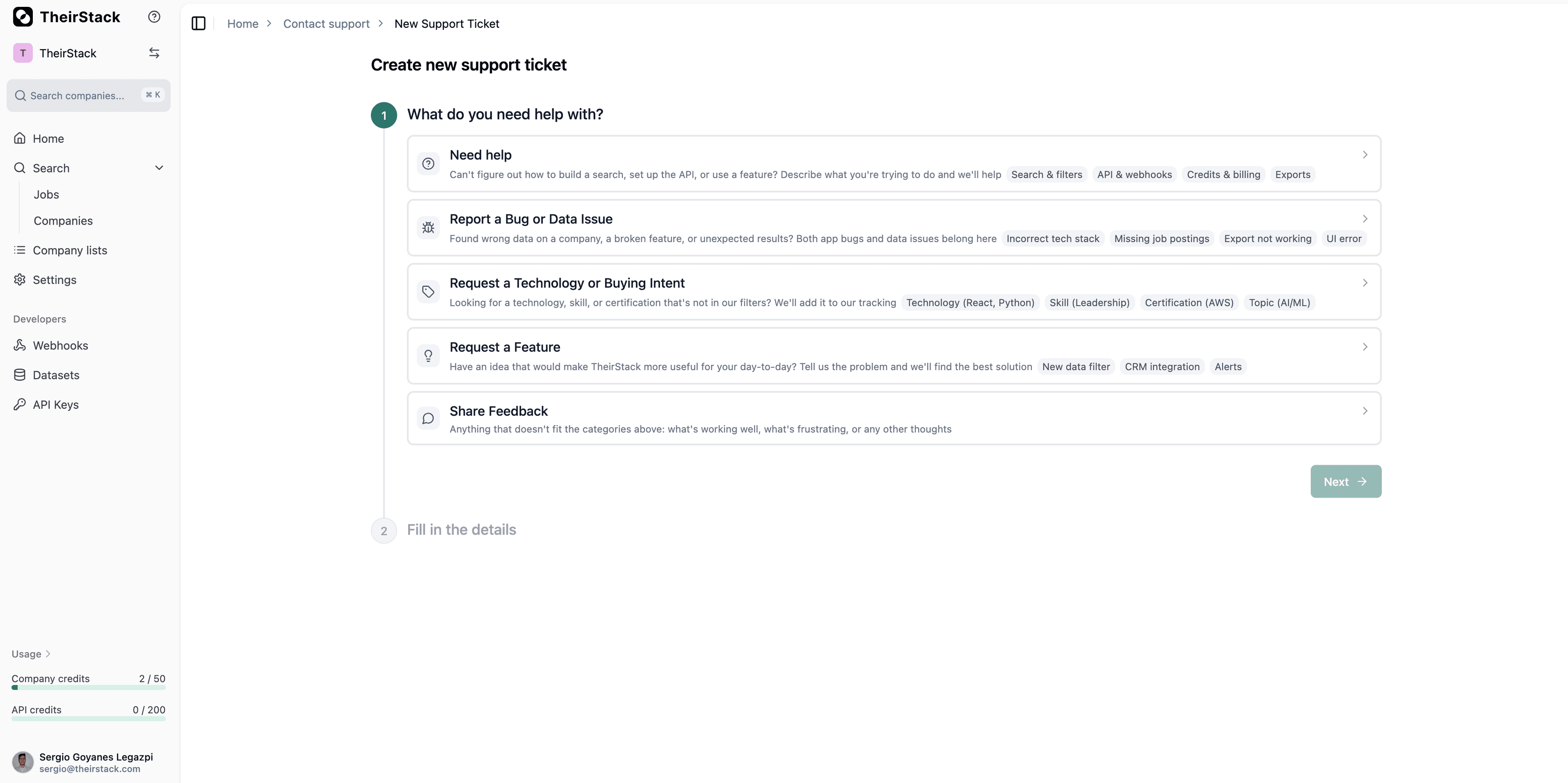
Choose from five categories:
- Request a Technology or Buying Intent — Ask us to track a new technology, skill, certification, or topic we don't cover yet
- Report a bug — Something isn't working as expected
- Request a feature — Suggest a new capability
- Share feedback — Tell us what you think
- Other — Anything else (free text)
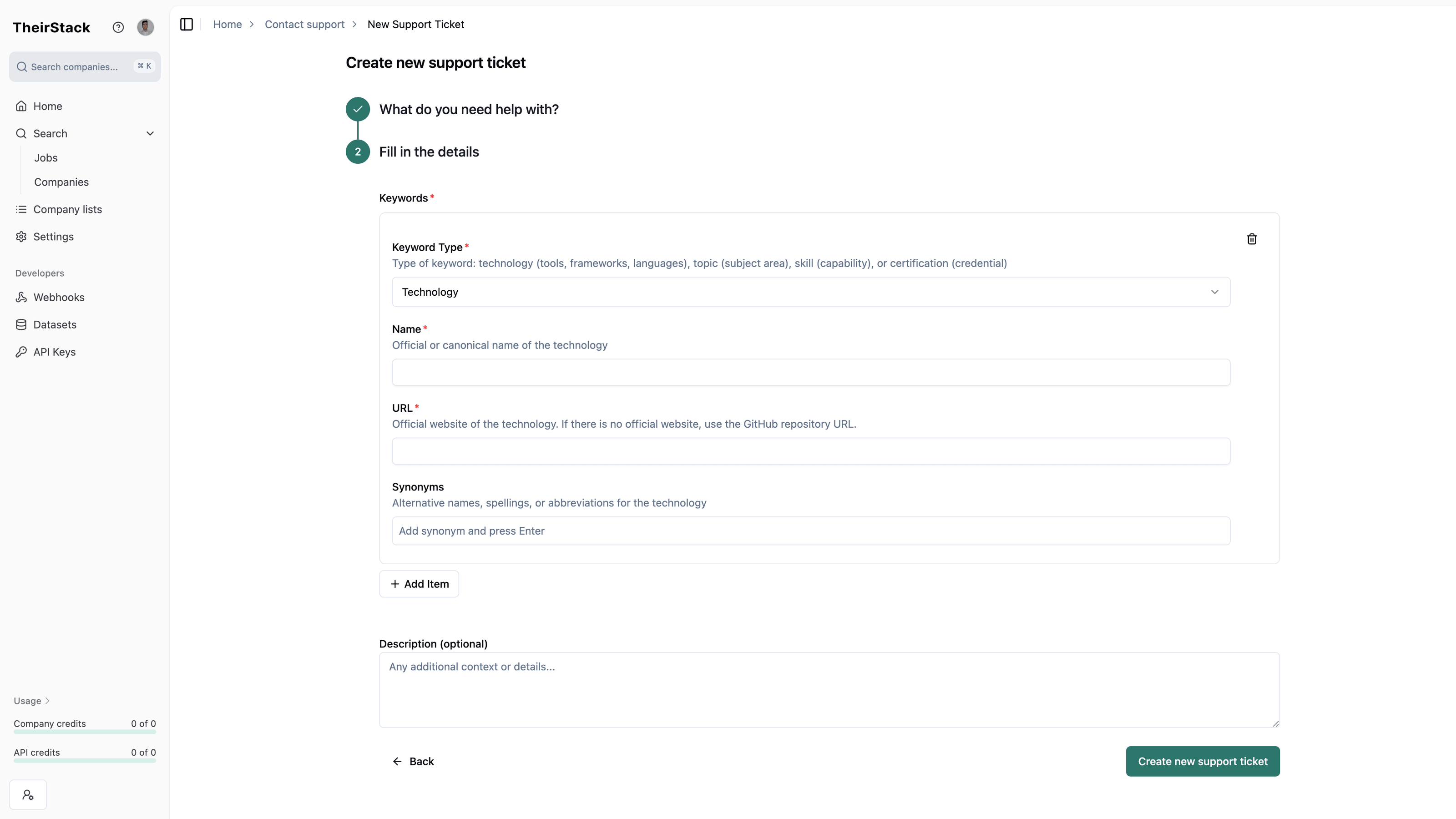
Each category has a guided form. You can attach screenshots and track your request's status from the tickets list.
You can also request a new technology directly from the technology filter — if your search doesn't match any known technology, click "request a new technology" in the dropdown.