
How to Check if a Technology or Keyword Is Available
Learn how to find out whether TheirStack tracks a specific technology or buying intent keyword, download the full catalogs, use job description search as a workaround, and request new keywords through the Support Center.
TheirStack tracks two types of keywords extracted from job postings:
- Technologies — over 33k tools, frameworks, languages, and platforms that companies use in their stack.
- Buying intent topics — over 9.4k non-technology keywords across 14 types (skills, certifications, operational activities, regulations, strategic initiatives, physical equipment, and more) that reveal what a company is doing, buying, or planning.
Not every keyword is in the catalog yet. This guide walks you through how to check if a keyword is available, what to do if it's not, and how to request that we add it.
Step 1: Search the keyword catalogs
Technologies
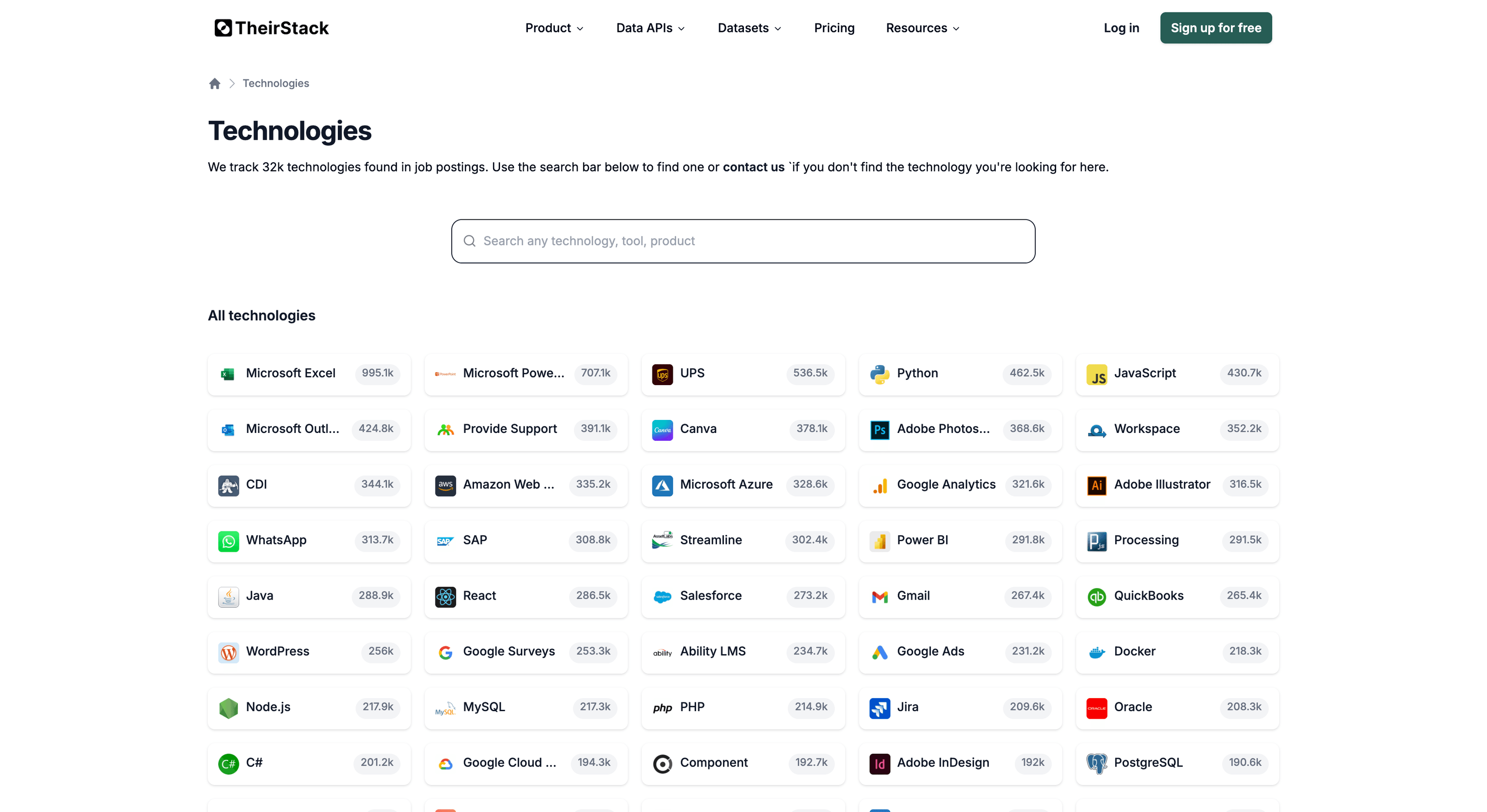
The fastest way to check for a technology is to browse the technology catalog. Type the name in the search bar — if it appears, you can use it right away as a filter in your company or job searches.
Buying intent topics
To check for a buying intent topic, browse the buying intent catalog. You can filter by keyword type (e.g., operational activities, regulations, skills) to narrow down the list.
From the app
You can also check from within the app: open a company search or job search and start typing the keyword name in the technology or buying intent filter. If it shows up in the autocomplete, it's available.
Download the full catalogs
If you need the complete list of all tracked keywords — both technologies and buying intent topics — you can download them as files from the Datasets page.
Step 2: If the keyword is not in the catalog — search by job description
If the keyword you need isn't tracked yet, you can still find companies that mention it by searching job descriptions directly.
Go to the job search in TheirStack.
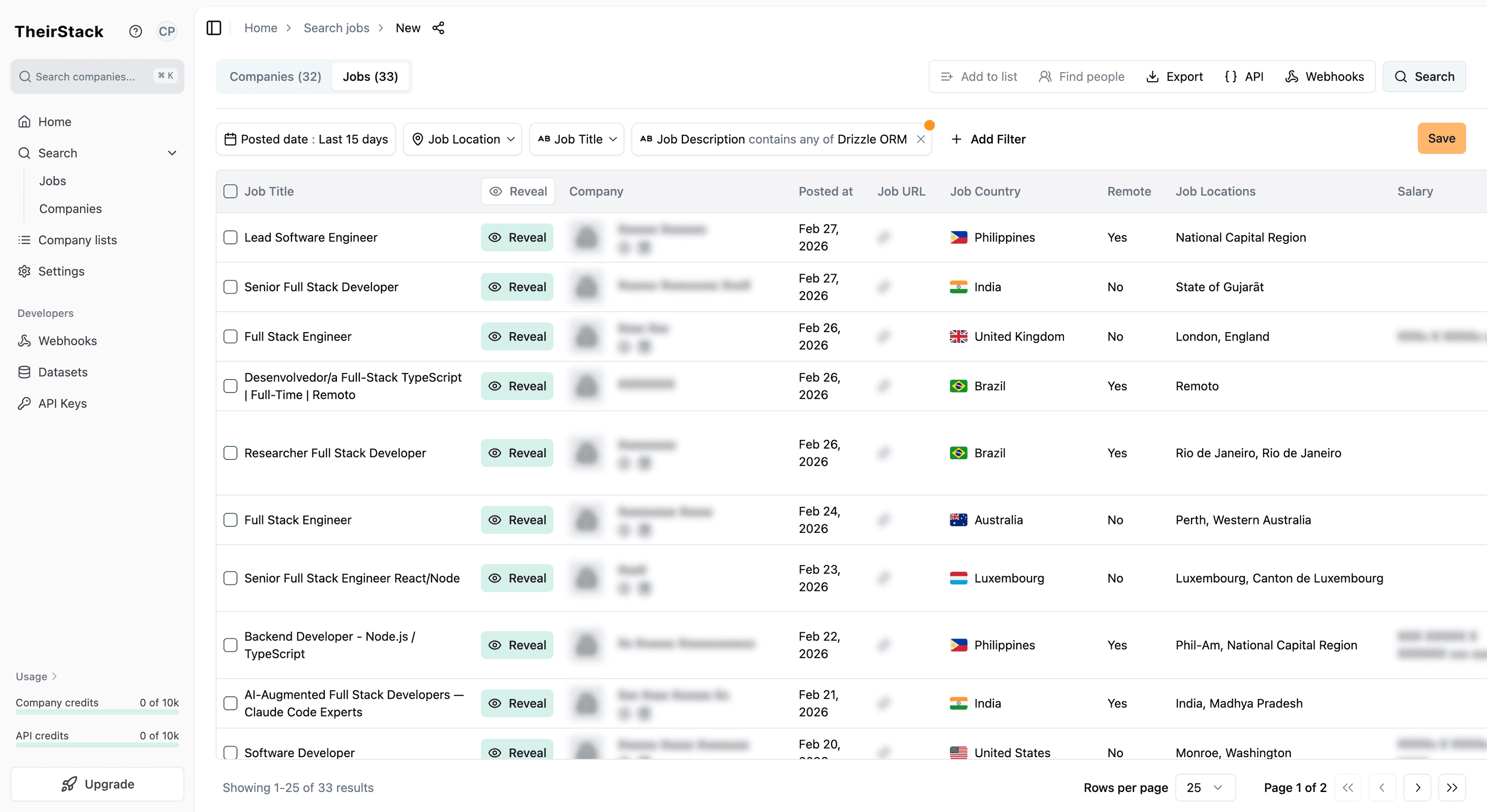
Use the job description filter to search for the keyword. For example, if you're looking for companies mentioning "Drizzle ORM" or "OSHA compliance", type it in the job description filter.
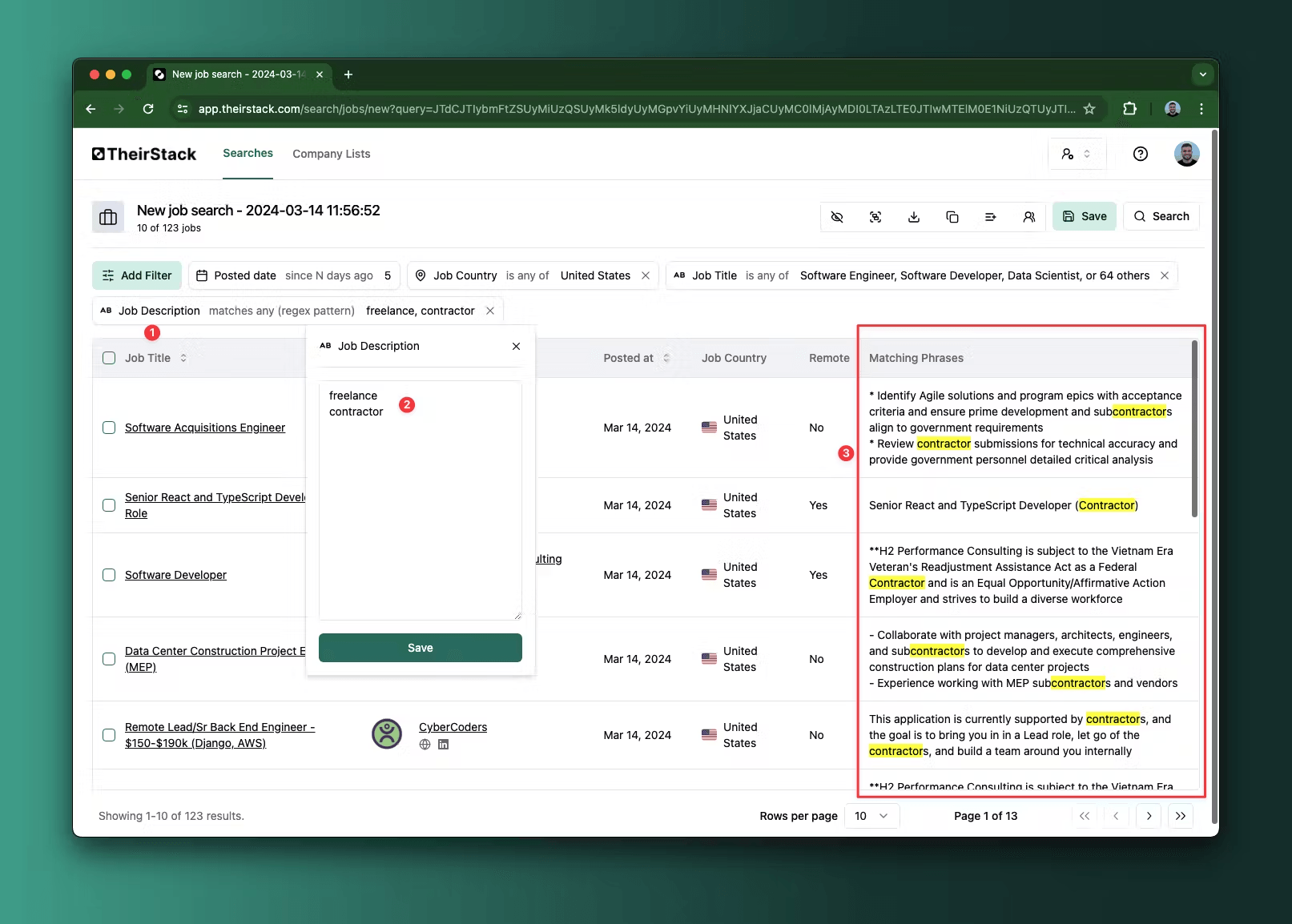
Review the results. Jobs that mention the keyword in their description will appear. This is a strong signal that the company actively uses or needs that technology, skill, or service — companies don't mention these in job postings unless they're relevant to their operations.
Switch to the company view if you need a deduplicated list of companies. From the job results, you can pivot to see unique companies that have posted jobs mentioning that keyword.
This approach works especially well for newer or niche keywords that haven't been added to the catalog yet. Job postings often mention internal tools, emerging frameworks, and specialized skills months before they appear in any keyword database.
Step 3: Request a new keyword through the Support Center
If you need the keyword as a first-class filter (with proper detection, company counts, and alerting), you can request it — whether it's a technology, a buying intent topic, a skill, or any other keyword type:
Go to the Support Center.
Select the "Request a Technology or Buying Intent" category — this is the ticket type for requesting new technologies, skills, certifications, and topics.
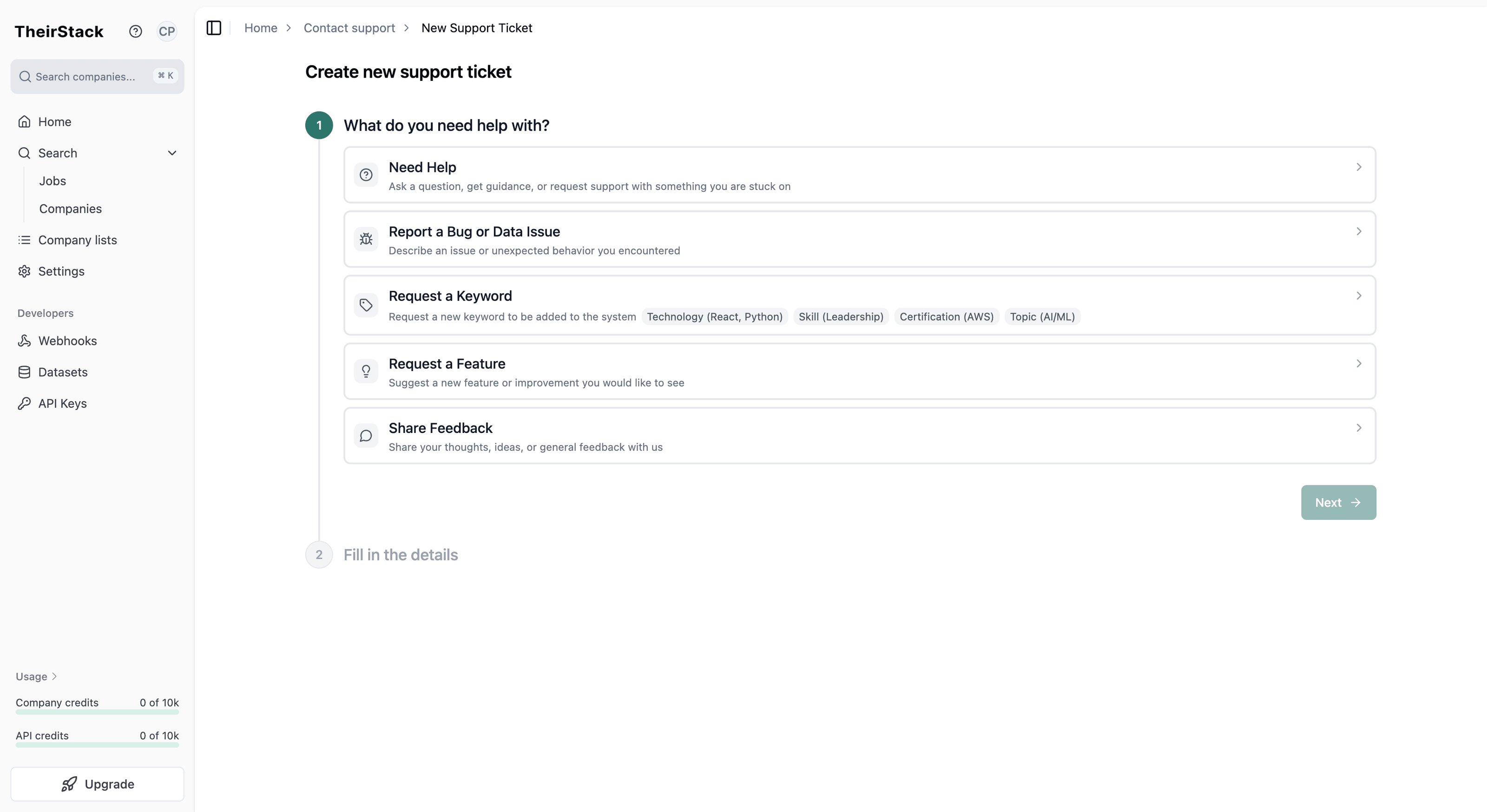
Fill in the keyword details:
- Name — the name of the keyword (e.g., "Drizzle ORM", "ISO 27001", "Trade Show Coordination")
- URL — a link to the keyword's website or documentation (helps our team verify and set up detection)
- Synonyms — any alternative names or abbreviations (e.g., "drizzle-orm", "DrizzleORM")
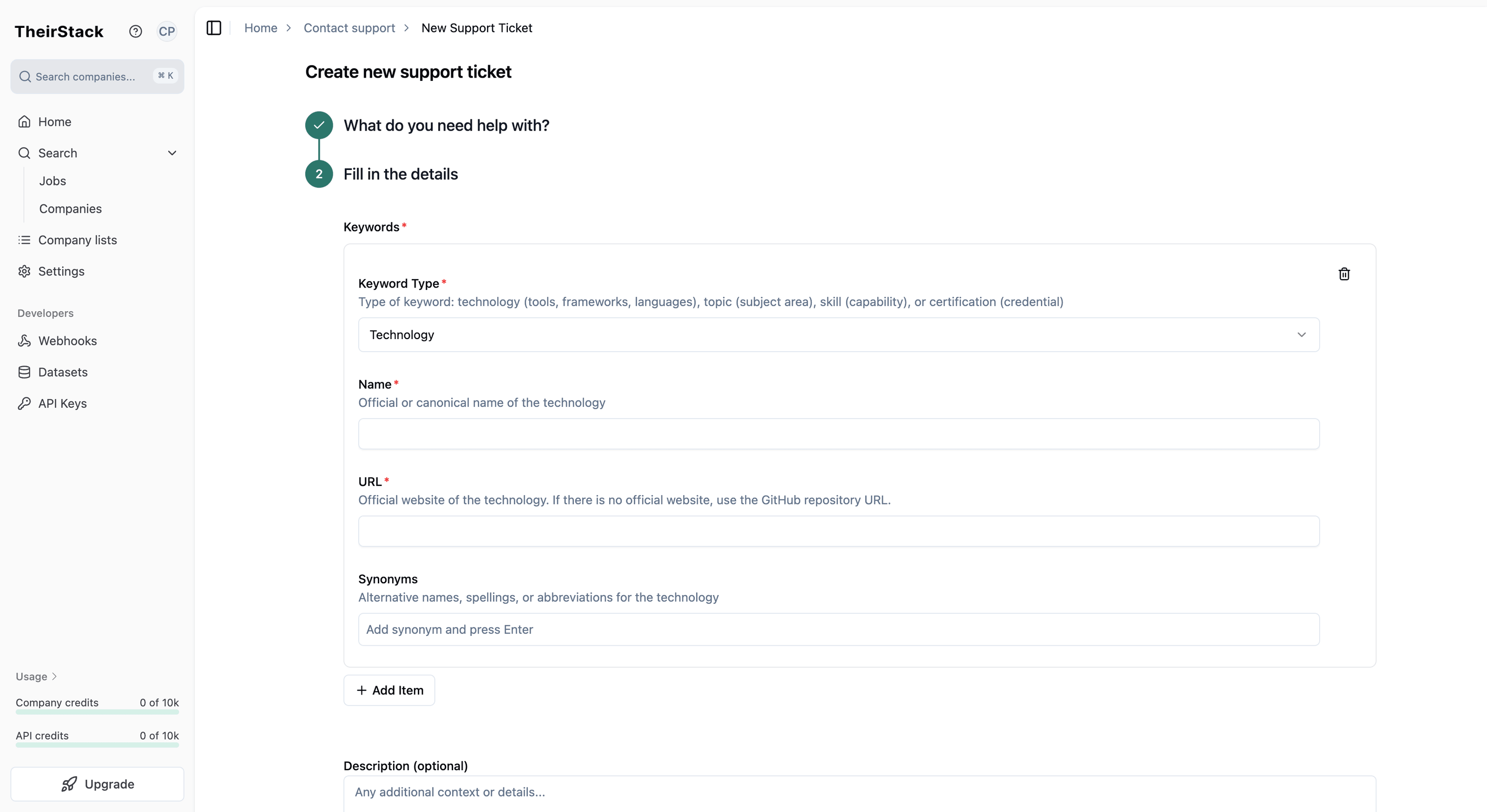
Submit the request. Our team will review it and add the keyword to the catalog. You'll be notified when it's available.
For more on using technology filters in your searches, see How to Target Companies by the Technology They Use and How to Build Lead Lists with Technographic Data. To learn more about buying intent topics, see Buying Intent Data.
How is this guide?
Last updated on
How to Build a Targeted Lead List Using Technographic Data
Step-by-step guide to building targeted sales lead lists by filtering companies based on their tech stack using TheirStack's [[total_technologies]]+ technology database.
How to Choose the Best Way to Access TheirStack Data
Guidance to help you choose the most suitable way to access TheirStack data (App, API, Webhooks, or Datasets) for your use case, scale, and freshness needs—without prescribing a single path.