
How to track closed job postings
Learn how to use TheirStack's Job Closed filter to find recently filled roles, detect hiring slowdowns, and get real-time notifications via webhooks when job postings are removed.
Most job data tools only show you what's open. TheirStack also records when jobs disappear — so you can filter for recently filled roles, spot hiring slowdowns at target accounts, and get notified the moment a role closes. That's a whole class of signals that open-job data alone can't support.
What does "closed" mean?
A job is marked closed when TheirStack detects it's no longer active at its original source — the company's career page, LinkedIn, Indeed, Greenhouse, or wherever it was posted.
"Closed" doesn't always mean "someone was hired." A posting may be removed because:
- The role was filled
- Hiring was paused or budget was cut
- The listing expired on the job board
- The company restructured or had layoffs
What you can confirm: the job is no longer being actively advertised. What that signals depends on context — and that context is often commercially valuable.
Why track closed jobs?
Reach newly hired decision-makers
When a company closes a "VP of Engineering" or "Head of Data" posting, someone just got hired into that role. They're in their first 30–90 days, evaluating every tool their team uses, and looking for early wins. That's one of the best windows to reach them.
Set up an alert for closed postings matching your buyer persona — "VP Engineering", "Head of Sales", "CISO" — at companies in your ICP. When a role closes, reach out while the new hire is still in evaluation mode.
Detect paused hiring and budget signals
A company that posted 20 jobs in Q1 and has quietly closed all of them by Q2 without reposting has likely hit a budget constraint or changed direction. Compare a company's open job count today vs. 60 days ago to spot who's contracting — and adapt your outreach accordingly.
Track competitor team changes
When a competitor closes senior engineering or product roles, they've either scaled (bad for you) or scaled back (potentially good). Tracking closed jobs at named competitors gives you an early signal about their team strategy before it shows up in press releases or LinkedIn announcements.
Recruiting agencies: know when roles are filled
Knowing that a target company just filled a role you were competing for lets you update your pipeline — and know the timing is right to pitch the next opening. A company actively closing roles is a company that's successfully hiring, which means they'll have more roles soon.
Investment and market research
Track job closure rates across industries to understand market velocity: which sectors fill roles fastest, which companies maintain steady hiring cycles, and which show sustained contraction. Combining close dates with post dates tells you how long roles typically stay open — a useful proxy for talent competition and company health.
Method 1: Filter in the app (no-code)
The quickest way to find closed jobs is using the Job Closed filter in job search.
Add the Job Closed filter
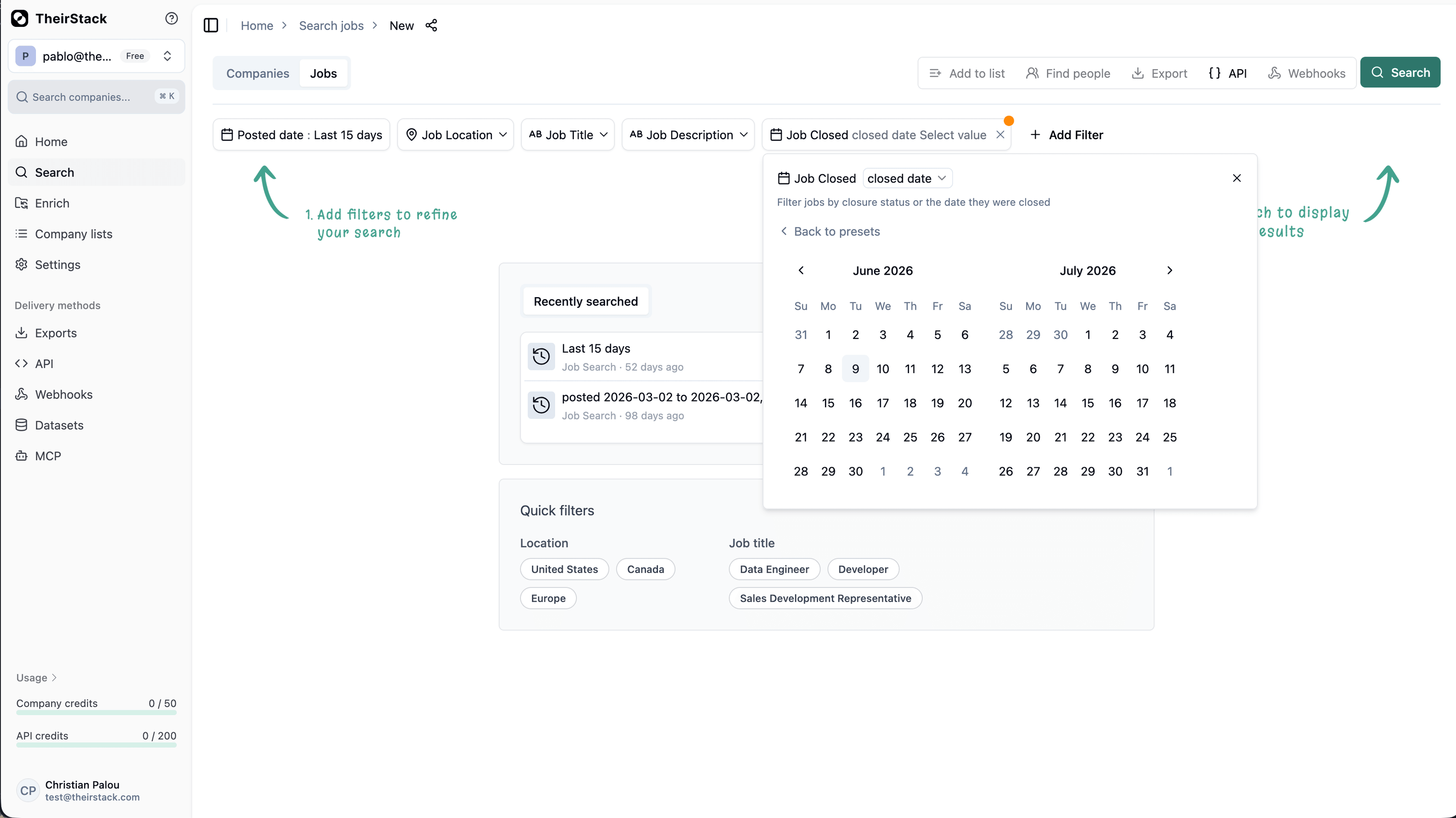
Click Add filter and search for Job Closed. Set it to is closed to return only jobs that have been removed.
Filter by close date
Add a second Job Closed filter and set the operator to closed date. Select a range — for example, last 30 days — to focus on recently removed roles.
Combine with your target filters
Stack additional filters to narrow to the roles that matter:
- Job title: e.g., "VP Engineering", "Head of Sales", "CTO"
- Company name: your target accounts or a named competitor list
- Employees: e.g., 50–500
- HQ country: your target market
Export or save for ongoing monitoring
Download results as CSV or Excel. Or save the search and attach a webhook to get notified as new closures come in — see Method 2 below.
Example search: find newly filled buyer roles at mid-market companies
Useful if you sell a product bought by VPs or department heads and want to catch the moment a new person steps into that seat.
- Job title: "VP Engineering", "Head of Data", "VP Sales", "CTO" (contains any of)
- Job Closed: is closed
- Job Closed: closed date → last 30 days
- Employees: 100–1,000
- Company type: Direct employer
- HQ country: United States
Method 2: Real-time alerts via webhooks
For ongoing monitoring, webhooks fire a notification the moment a matching job closes — no manual checking required. This is the recommended method if you want to act on closures in real time (create a CRM task, send a Slack message, kick off an outreach sequence).
Create a job search with your criteria
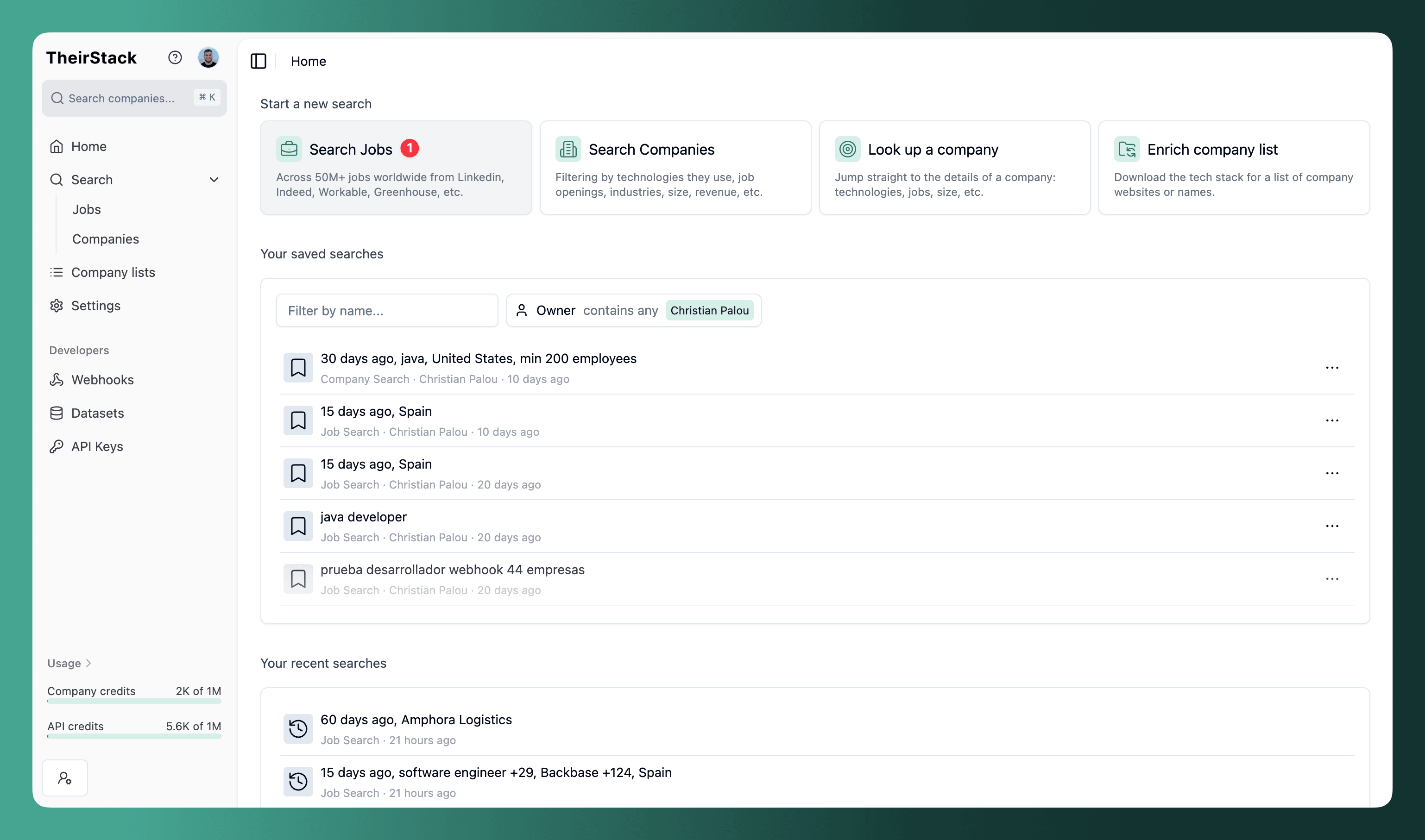
Open Job Search and add filters: job title, company, location, whatever defines the roles you care about. Add the Job Closed: is closed filter.
Save the search
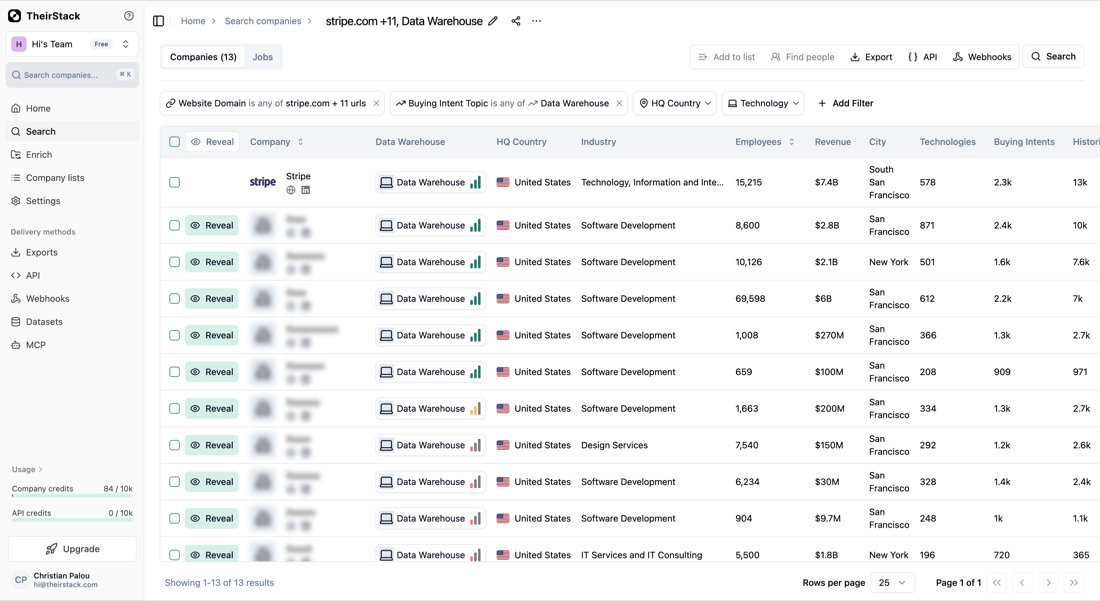
Click Save. A search must be saved before you can attach a webhook.
Add a webhook
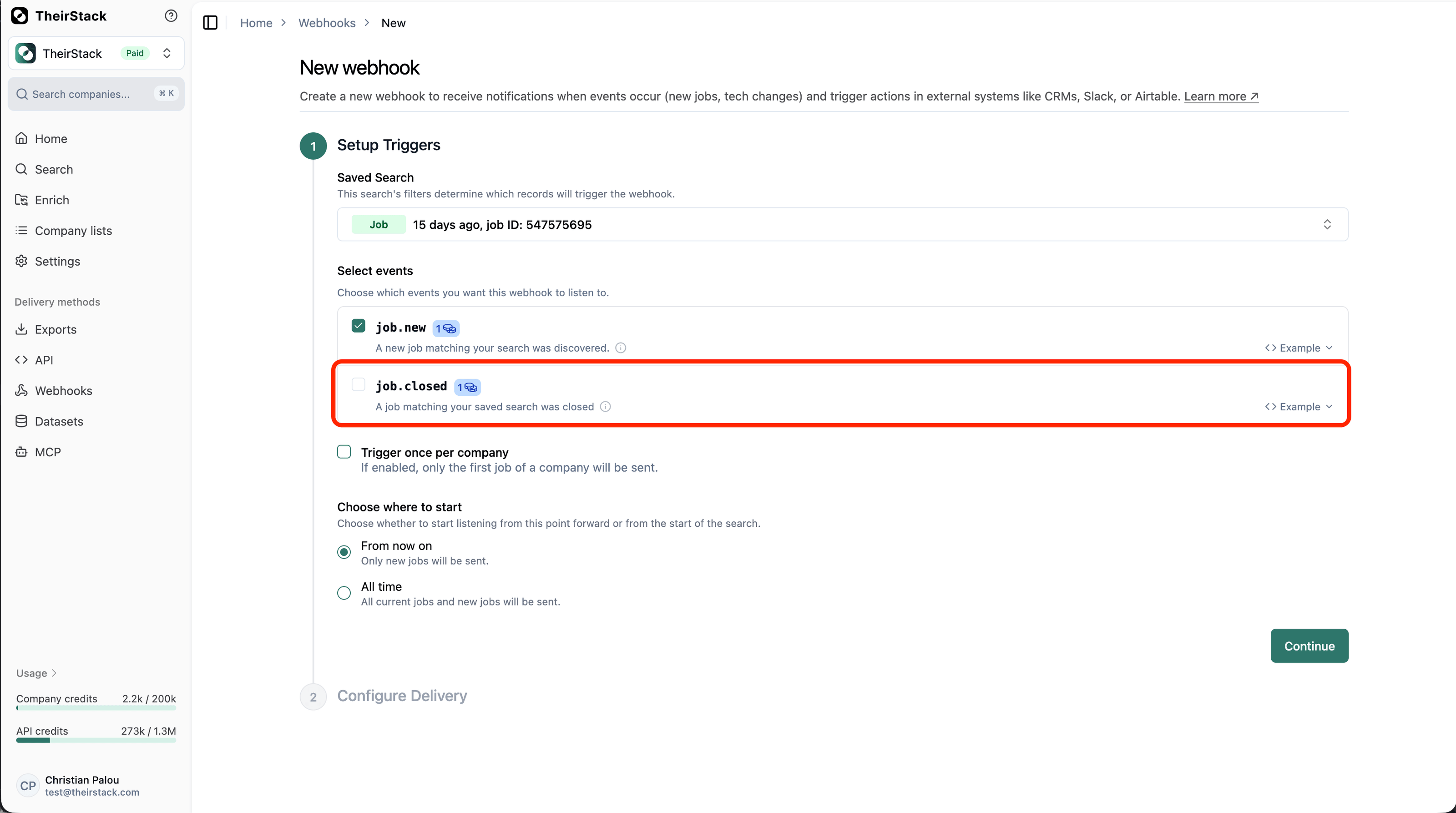
Click the Webhooks button. Enter your webhook URL — the endpoint where you want to receive events.
Each time a job matching your search closes, TheirStack sends a job.closed event to that URL with full job and company data.
Connect to your destination
Common destinations:
- Slack — Post a message to your sales or recruiting channel when a target role closes
- HubSpot / Salesforce — Create a task or update a deal stage when a buyer role is filled
- Make / Zapier / N8N — Build multi-step workflows triggered on job closure
- Custom endpoint — Consume the webhook payload directly in your own system
Click Send test event to verify the connection before going live.
For a detailed walkthrough, see How to set up a webhook.
Method 3: Query via the API
If you're building a pipeline or enriching a CRM programmatically, the job posting API lets you filter by closed status and close date range. The response includes full job and company data: title, close date, post date, company name, domain, size, funding, industry, and more.
See the Job Search API reference for the full parameter list.
Method 4: Bulk analysis via the jobs dataset
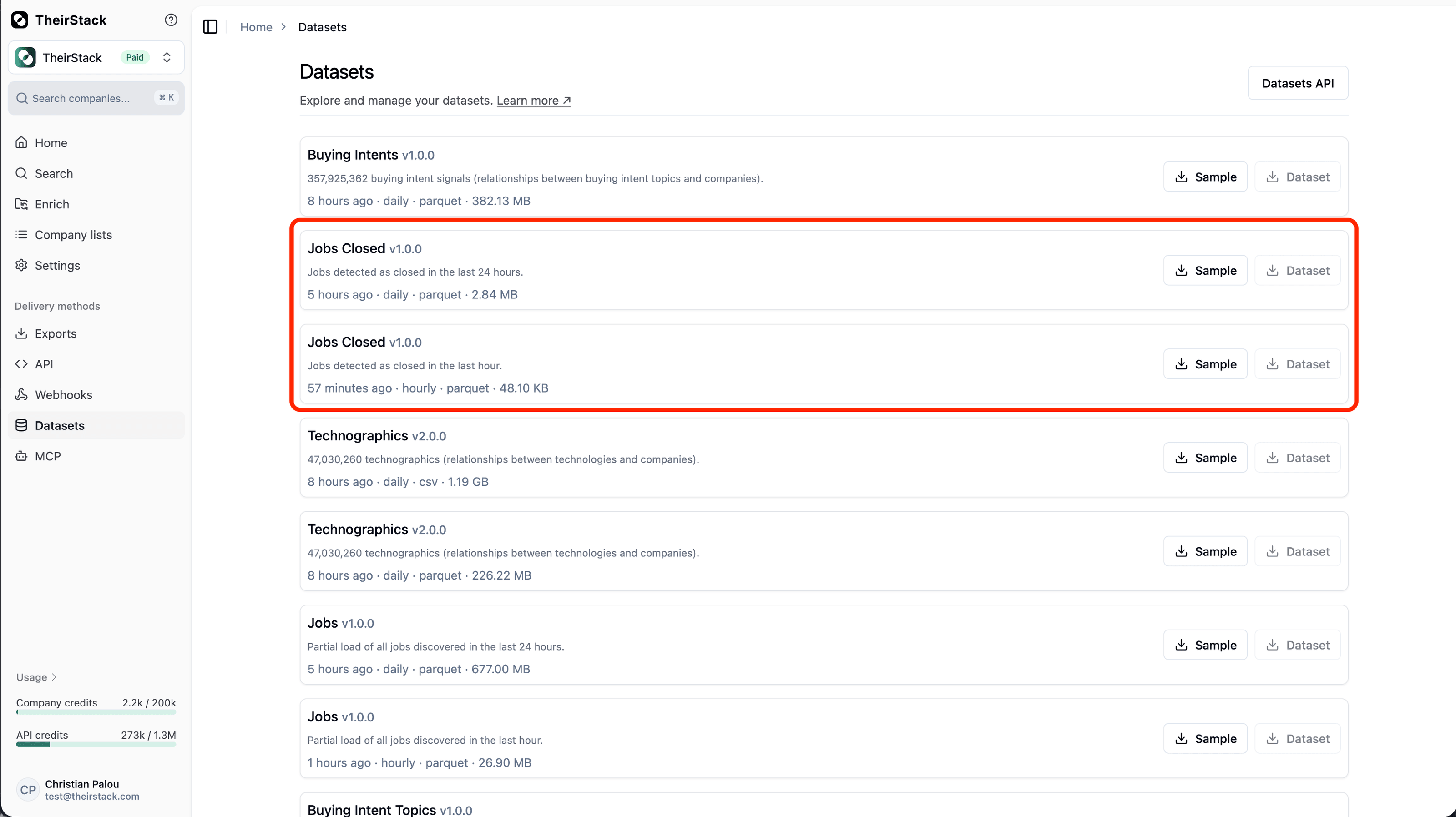
The jobs dataset includes a close date column for every job record. This is the right option for historical analysis, building dashboards, or loading closed job data into a data warehouse — where you want to query across millions of records rather than fetching them one search at a time.
See Accessing Datasets to get started.
FAQs
Further reading
How to monitor job postings automatically
How to find old job postings
How to set up a webhook
Accessing your datasets
Job.Closed
How is this guide?
Last updated on
How to Target Companies by the Technology They Use
Learn three proven strategies for targeting companies based on their tech stack — must-have technologies, competitor customers, and partner integrations — to build high-fit prospect lists.
Use job data for investment research
Add job posting data to your equity research stack as a complementary signal. Anticipate layoffs and hiring freezes, infer product-stage from hiring mix, and read cost-per-hire pressure from repost cadence weeks before any of it shows up in earnings.