Company Enrichment: technologies and intents

Software Engineer at TheirStack
Company Enrichment just got a major upgrade. It now lives on its own dedicated page with a guided workflow that supports both technologies and buying intent topics.
What changed
Previously, the enrichment flow only supported tech stack lookups via a small modal where you had to paste company identifiers. Now it's a full page accessible from the Enrich item in the sidebar, with a completely redesigned flow.
The biggest change: you now start by choosing what you want to enrich with — technologies, buying intent topics, or both — before providing your list of companies. This makes the experience more intentional and lets you browse the full catalog of available signals before committing your company list.
New guided flow
- Select technologies and intent topics — Browse and select from the full catalog of technologies and buying intent topics you want to check across your companies.
- Choose your input method — Pick between CSV upload or manual input.
- Provide your companies — Depending on your choice:
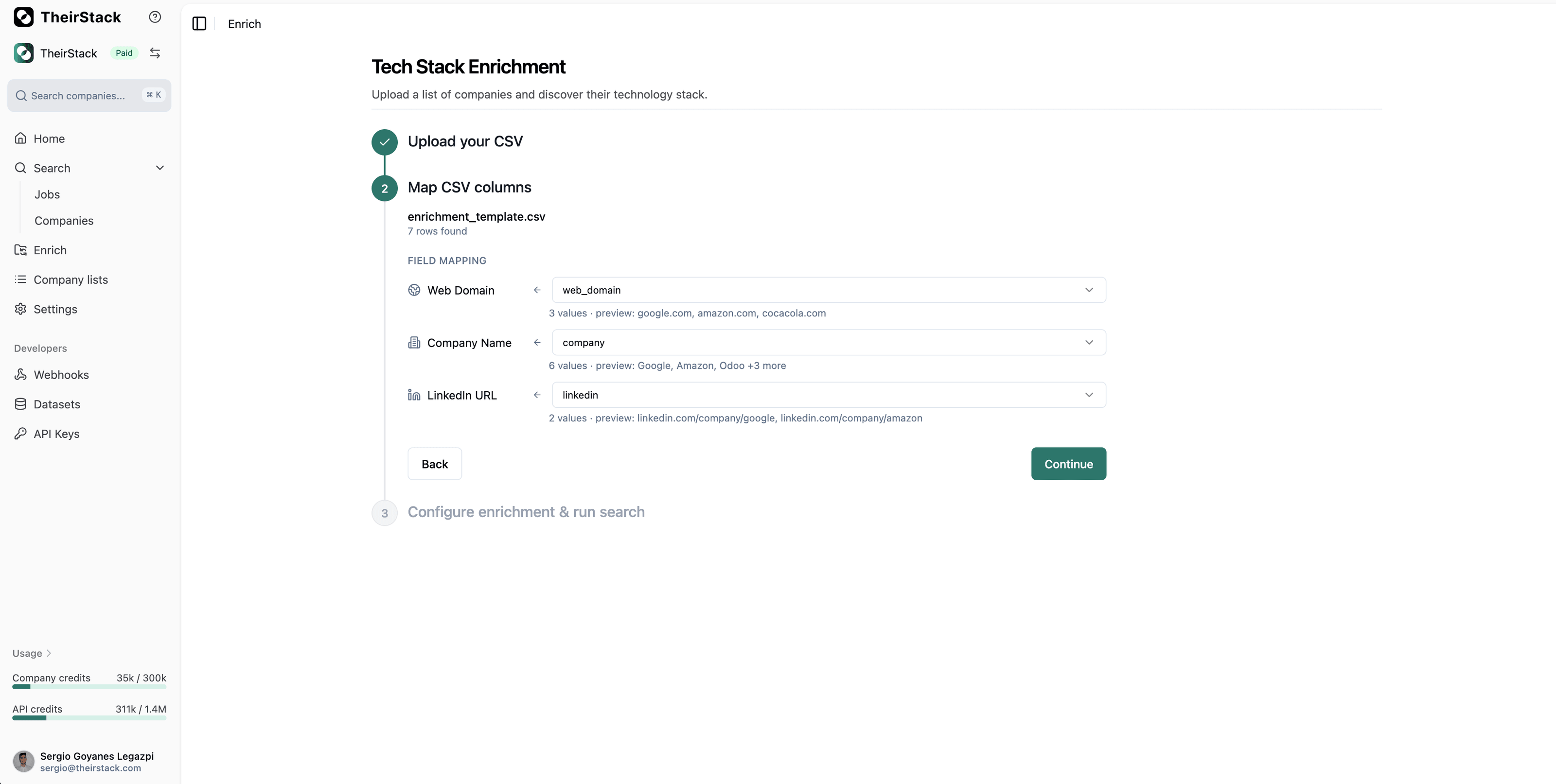
- CSV Upload: Drag & drop a CSV file, then map columns (web domains, company names, or LinkedIn URLs) with auto-detection and preview.
- Manual input: Paste or type company web domains, company names, or LinkedIn URLs directly.
Why this matters
- Beyond tech stacks — Enrich companies with buying intent topics, not just technologies. Find companies showing purchase signals for the categories you care about.
- Flexible input — Choose between CSV upload for bulk enrichment or manual input for quick lookups. No more being forced into one workflow.
- Smarter flow — By selecting your enrichment criteria first, you avoid uploading a company list only to discover the signal you need isn't available.
- Easier to find — Enrichment is now a first-class feature in the sidebar, not hidden behind a button on the home page.
Check out the full guide in our enrichment documentation.