Skip the records a webhook missed while it was off

Product Engineer at TheirStack
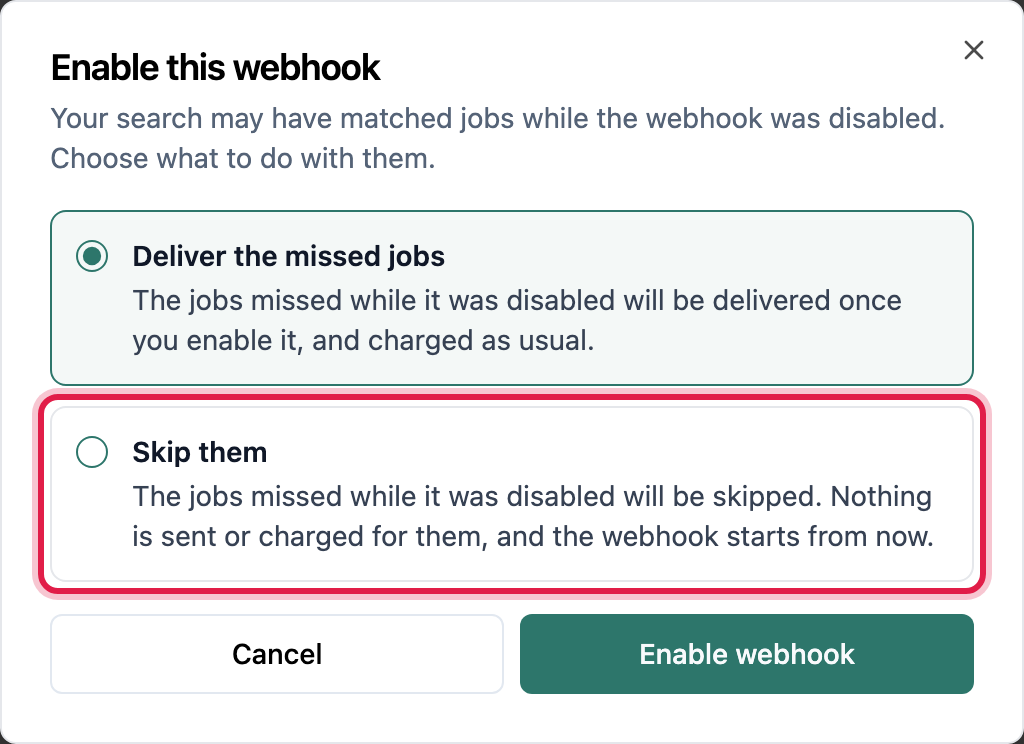
A webhook keeps track of what its saved search matches even while it is disabled. Until now, turning it back on delivered all of it: every record matched during the pause was sent and charged. After a short pause you did not mean to leave, that is what you want. After a long one, or when you disabled it precisely to stop the feed, it is a surprise burst of events and credits. Now you choose.
In the app
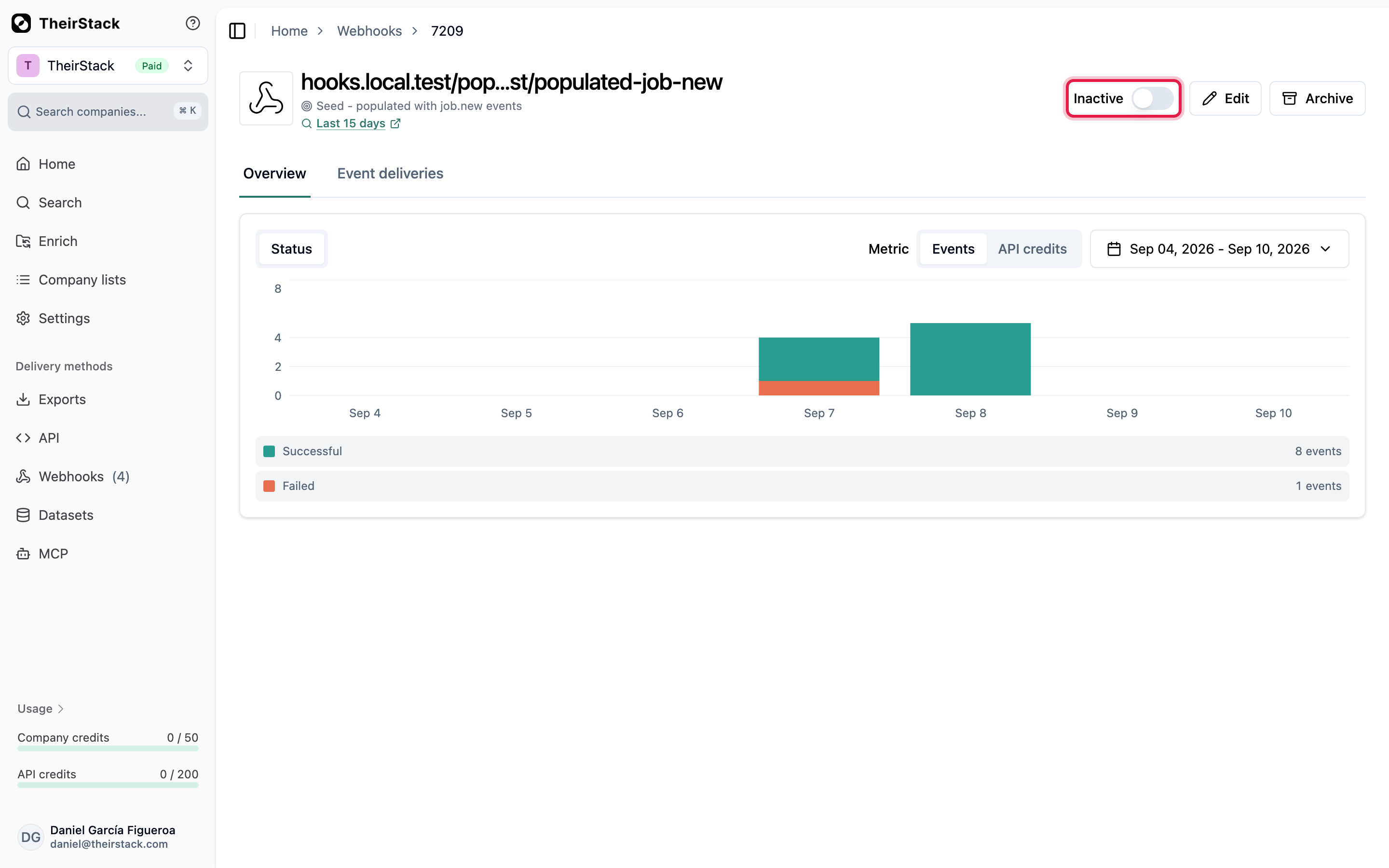
Flip a disabled webhook back on and a dialog opens before anything is sent:
In the API
Enabling a webhook is PATCH /v0/webhooks/{id}/status with is_active: true. Pass skip_events_while_inactive: true alongside it to start the feed from that moment instead of replaying the backlog:
{
    "is_active": true,
    "skip_events_while_inactive": true
}
skip_events_while_inactive defaults to false, so a call that only sends is_active: true behaves exactly as before: the webhook delivers everything matched while it was disabled. You opt into skipping by sending true, and nothing changes for existing integrations that never send the field. Sending it on a disable (is_active: false) is ignored; the choice is read when you enable.
With MCP
update_webhook_status on our MCP server enables and disables a webhook, and honours the same choice. Tell an assistant connected to your workspace to turn a webhook back on without replaying what it missed, and it starts the feed from now.